
Apple introduced a new beta version of iOS 26.1 with Liquid Glass settings
Apple has released a new beta version of iOS 26.1 for developers, which adds the ability to customize the transparency of Liquid Glass interface elements, improving text readability.
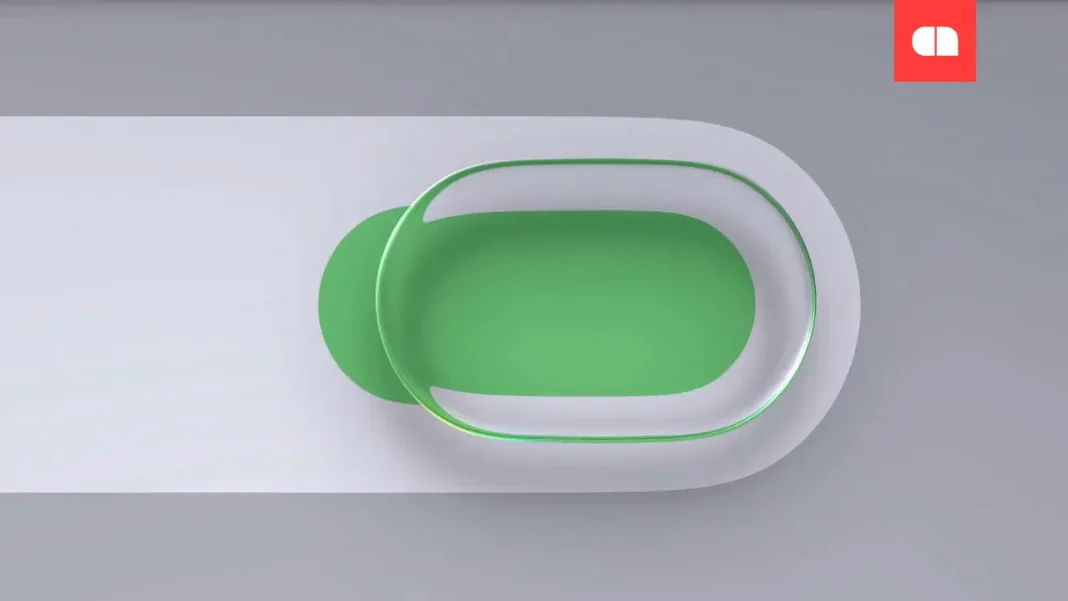
The new feature was announced at WWDC this year and has been a topic of discussion among Apple fans. Although Liquid Glass provided an attractive “glassy” look to interfaces, excessive transparency often made reading text difficult. In the updated version, users can choose between two modes: Clear and Tinted. The Tinted mode adds a slight tint, making Liquid Glass elements less transparent and more readable on bright backgrounds.
These settings can be found in the Display & Brightness section of the smartphone settings menu. The function works similarly in the beta versions of iPadOS and macOS 26.1, according to MacRumors.
Additionally, iOS 26.1 beta introduces new security features, including the ability to Disable Camera Access from the Lock Screen. This option allows users to disable the swipe left for quick camera access, enhancing user privacy protection. The setting is available in the Camera menu.
The innovations improve both usability and the level of security of iOS devices. These changes are expected to increase interest in the update among Apple users.
| Feature | System | Description |
|---|---|---|
| Liquid Glass | iOS, iPadOS, macOS 26.1 | Dynamic interface appearance with customizable transparency |
| Disable Camera Access | iOS 26.1 | New security option for the lock screen |