
Apple introduced iOS 26.1 update with new features and improvements
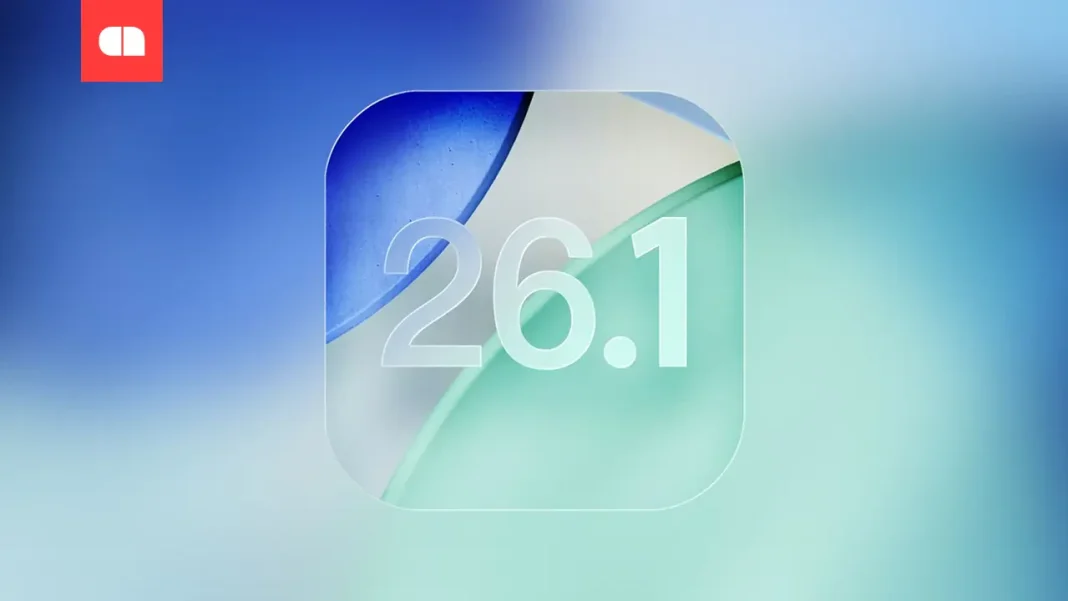
Apple released the first significant update for its iOS 26 operating system, version 26.1, which brings new features, interface enhancements, and expanded support for the Apple Intelligence AI system.
Among the most notable updates is the ability to disable the left swipe gesture on the lock screen that launches the camera. This setting is available in the “Camera” options and will help prevent accidental activation of the camera when the device is in the user’s pocket. A new option for transparent and tinted display of Liquid Glass interface elements has appeared in the “Display & Brightness” section, which improves contrast, especially noticeable on the lock screen and notifications.
Apple also changed the mechanics of turning off alarms and timers by introducing the Slide to Stop slider instead of just pressing a button. This requires users to be more attentive and reduces the likelihood of accidentally turning off signals.
The Apple Intelligence AI now supports new languages, including Danish, Dutch, Norwegian, Portuguese (Portugal), Swedish, Turkish, Chinese (Traditional), and Vietnamese, expanding the system’s usability among users in various countries.
Additional changes affect the interface of Apple applications: Fitness now has an option to create custom workouts, and Apple Music has added a gesture for quickly switching between tracks. The Apple TV application has also undergone changes — its icon has become brighter, and the Apple TV+ service is now simply called Apple TV. Furthermore, there have been text alignment changes in “Settings”.
The iOS 26.1 update is already available for owners of compatible devices. It can be downloaded in the “Settings” → “General” → “Software Update” section.
| Key Features | Description |
|---|---|
| Camera Gesture Disable | Available in “Camera” settings to avoid accidental activation |
| Interface Transparency | Options for transparent and tinted modes to enhance contrast |
| Signal Slider | Slide to Stop for timers and alarms |
| AI Language Support | Extended list of supported languages for Apple Intelligence |